QR Code Payments for Businesses
Pay by QR lets customers scan a QR code with their phone and pay on a secure page, by card or digital wallet. You don't need a card terminal, and they don't need an app.
- No physical terminal required
- No app for customers to download
- Card and digital wallet payments
- Part of the award-winning SOTpay platform
What is Pay by QR?
Pay by QR is SOTpay's QR code payment solution. Your QR code can be displayed on a screen, printed on a sign or an invoice, or shared remotely.
A customer points their phone camera at the code and a secure payment page opens. They pay in a few taps, and your business never handles their card details directly.
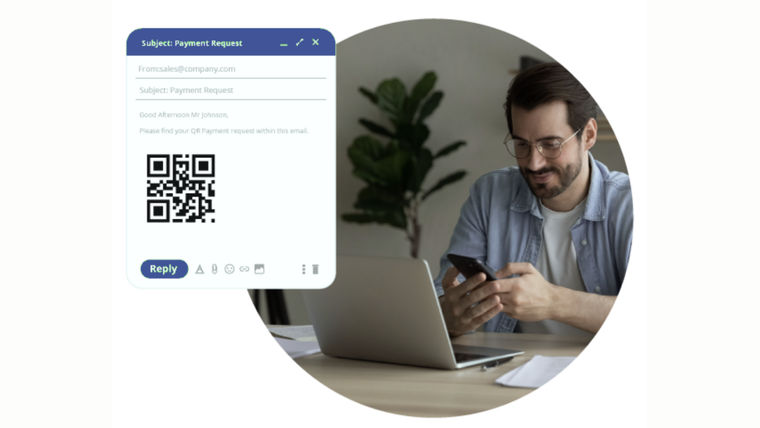
How a Pay by QR payment works
Your customer uses the camera they already have, and paying takes three steps.
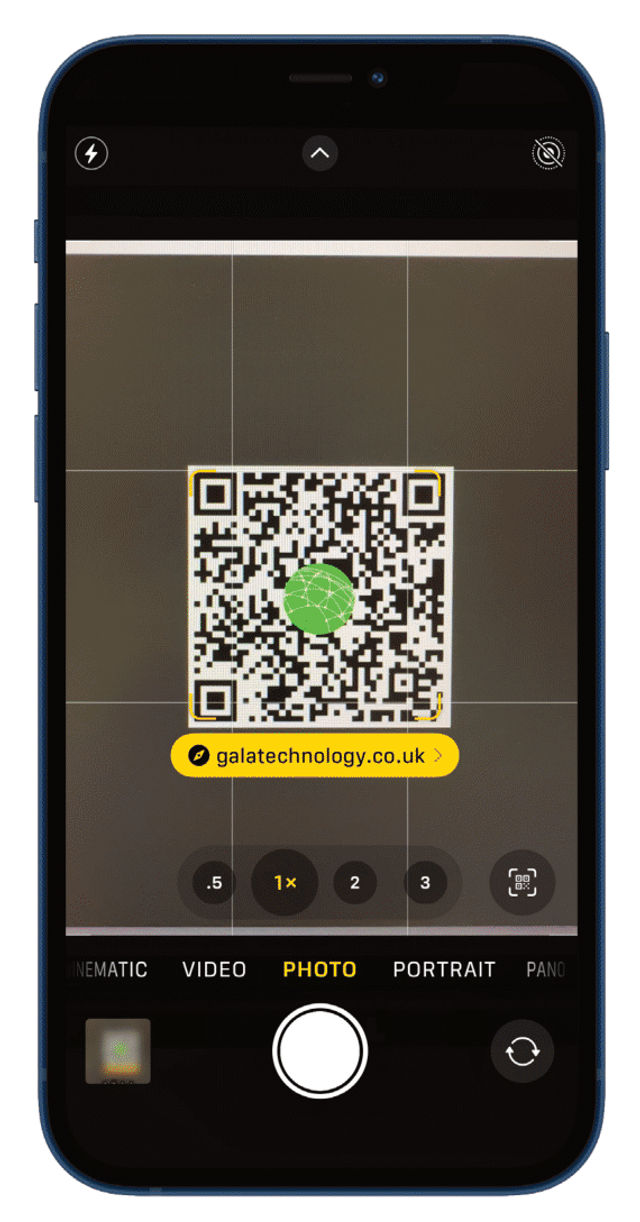
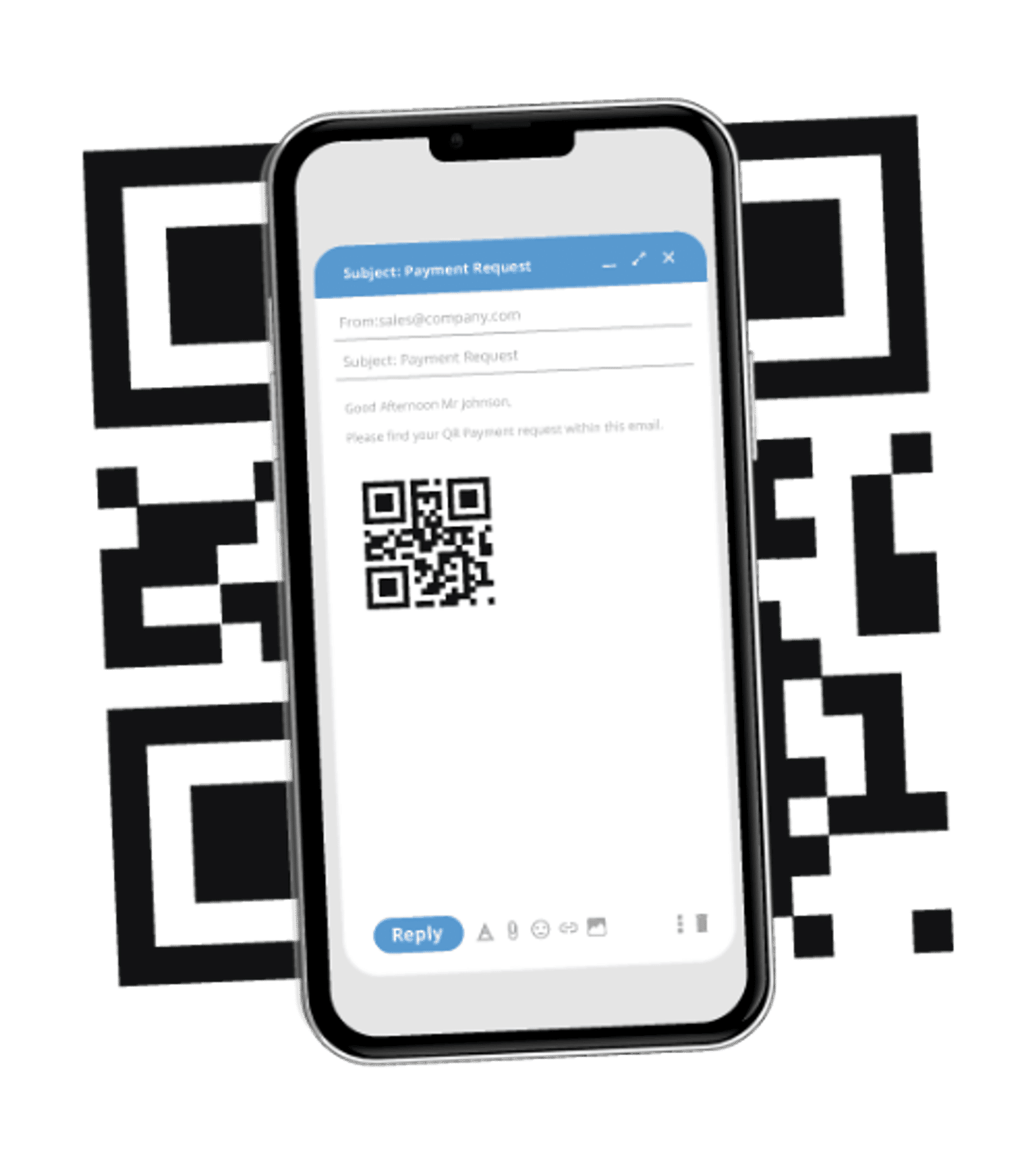
Scan the code
Point your smartphone camera at the Pay by QR code. There is no app to download.
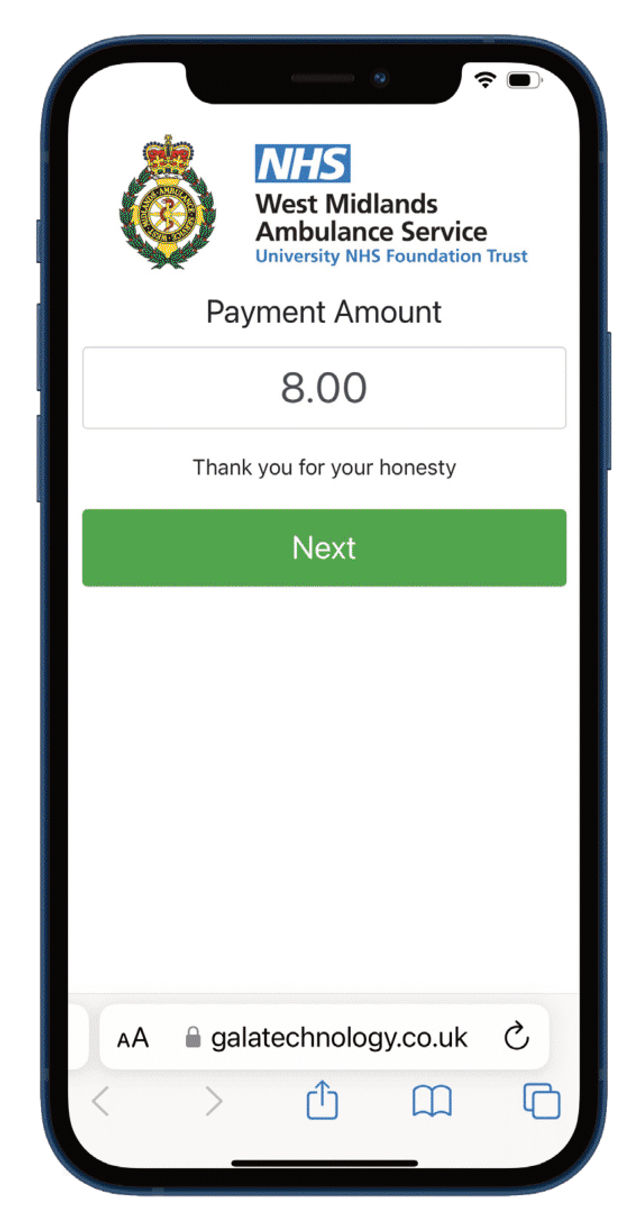
Choose how to pay
A secure payment page opens. Pay by credit or debit card, Apple Pay or Google Pay.
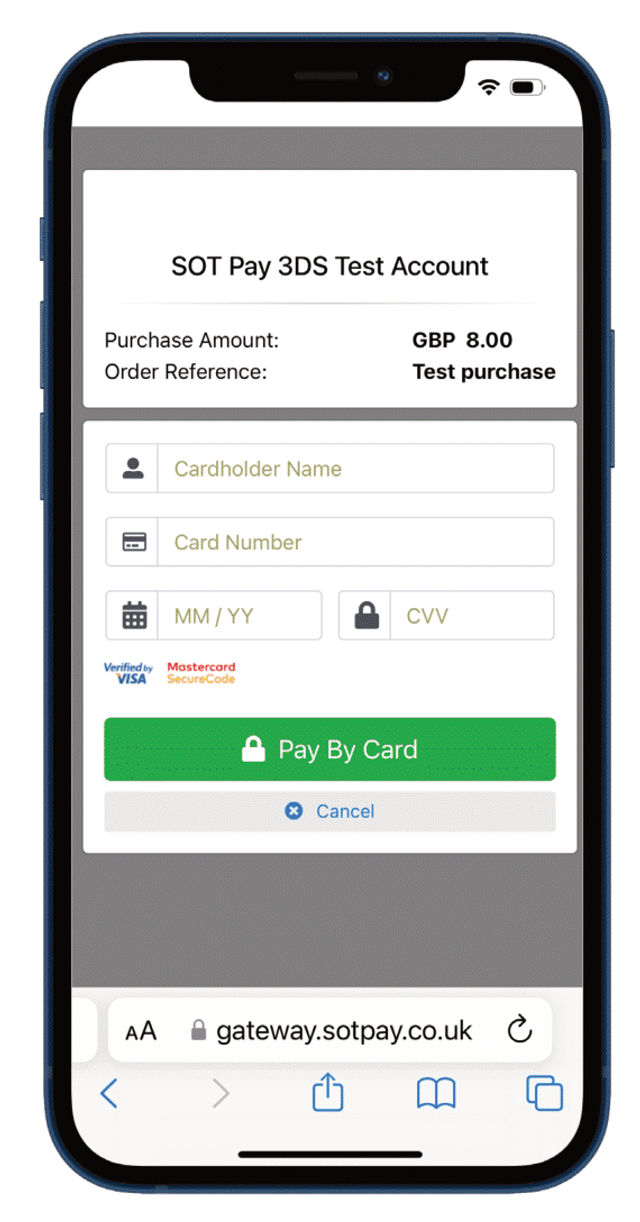
Complete the payment
Enter your details securely, tap once more and the payment is done.
What changes for your business
No terminal to buy or carry
Take payment anywhere you can show a code, from a table to a car park.
Shorter queues
Customers pay on their own phone, so they don't have to wait for staff or a till.
Payments on paper as well as in person
Add a code to an invoice or letter, and customers can pay as soon as they read it.
Less card data to worry about
Customers enter their details on a hosted page, which reduces your PCI scope.
How Pay by QR compares with a card terminal
Read the full comparison| What to compare | Pay by QR | Card terminal |
|---|---|---|
| Hardware | None. A printed or on-screen code | A terminal for each point of sale |
| Who needs to be there | Nobody. Customers can pay unattended | Usually a member of staff |
| Where it works | In person, on paper, on screens and remotely | In person only |
| What the customer uses | Their own phone | Your device |
Built for payments away from the till
- Restaurants and bars
- Events and entertainment
- Parking and transport
- Taxi services
- Retail and pop-ups
- Hotels and resorts
- Service businesses
- Debt recovery and collections
Secure by design
- Nothing sensitive in the code
- The QR code links to a secure payment page, and no card data is stored in it.
- A hosted payment page
- Customers enter their own details, so your team doesn't handle them.
- Part of the SOTpay platform
- The platform is certified to PCI DSS Level 1, ISO 27001 and ISO 9001, and holds Cyber Essentials Plus.
Frequently asked questions
How do you pay using a QR code?
You scan the code with your smartphone camera. This opens a secure payment page where you choose how to pay and complete the transaction in a few taps.
Do QR code payments need an app?
No app is needed for Pay by QR. The code opens a payment page in the phone's browser.
Can customers pay with Apple Pay or Google Pay?
Yes. Customers can pay by credit or debit card, or with Apple Pay or Google Pay.
Are QR code payments secure?
Yes, when the code links to a trusted, protected payment page. Security depends on using verified codes and completing the payment in a secure environment.
What are the risks of QR code payments?
The main risks are fake or tampered codes. Using secure, controlled codes that customers recognise reduces those risks.
Where are QR code payments used?
They're widely used in car parks, at events, in hospitality venues, at retail pop-ups and for on-site services.
See how Pay by QR works for your business
Part of the Gala Technology family
Secure payment products built on the same platform by Gala Technology.